
QbiclesRetail

Everything your retail operation needs to stay connected

Qbicles Retail brings POS, online ordering, order management, kitchen display, driver app, delivery, inventory connection, payments, reconciliation, and reporting into one connected workflow.
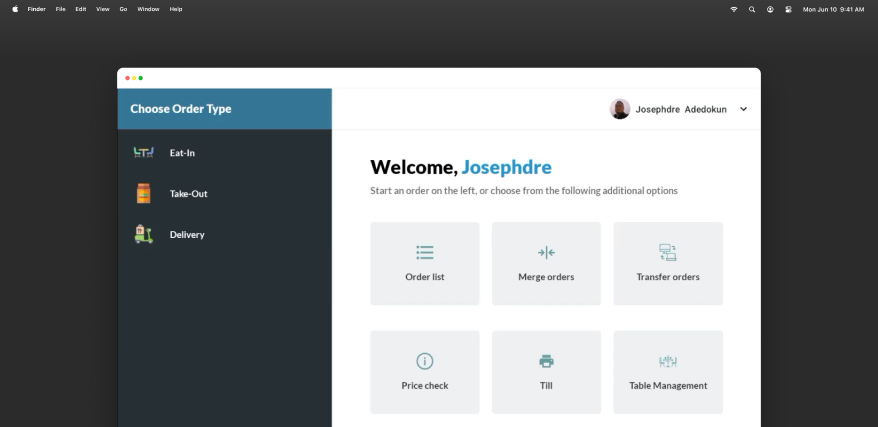
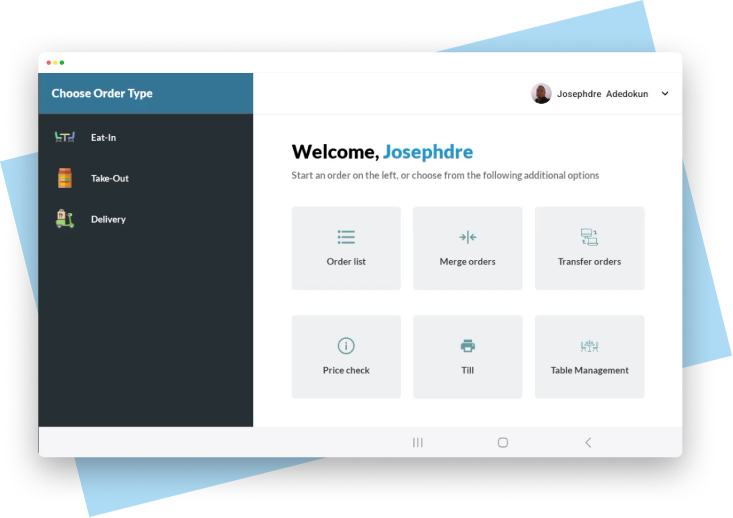
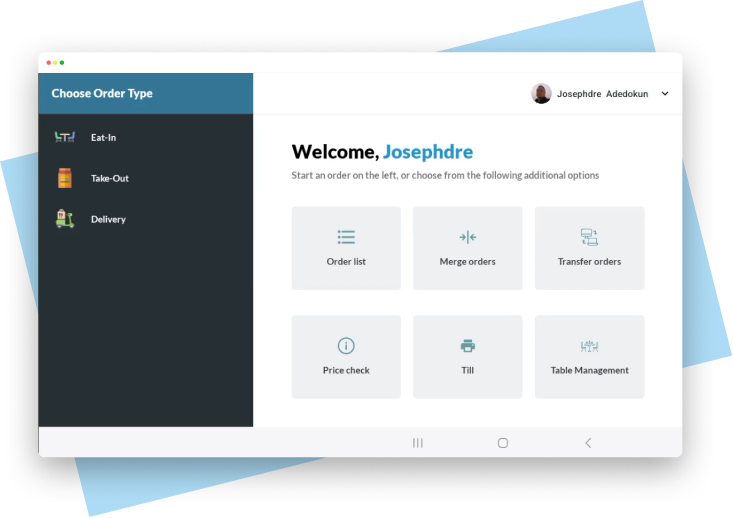
Qbicles Retail POS on a desktop, showing the Choose Order Type and Welcome screen

Used by teams managing sales, orders, delivery, and stock

Angelos, ActiCare, Crafted by Neneh, RedOnions, Skybox, and Delis

Every order stays connected from sale to settlement

An order comes in, the POS records it, stock updates, the kitchen or fulfillment team prepares it. A driver delivers it, payment is tracked, cash and bank are reconciled. Reports update.

01SellPOS or online
02ManageOrder queue
03PrepareKitchen display
04DeliverDriver app
05ReconcileBankmate
06ReportNumbers agree

Explore the Qbicles Retail feature set

Sell

The easy POS your team can use in minutes

Qbicles Retail is built for real retail conditions. It is fast, simple, and works online or offline, so your store can keep selling even when the internet drops.
  • Online and offline selling
  • Fast checkout and product search
  • Cash, transfer, card, and other payment tracking
  • Automatic stock updates
  • Shift and end-of-day sales records
  • Connected to the wider Qbicles ecosystem
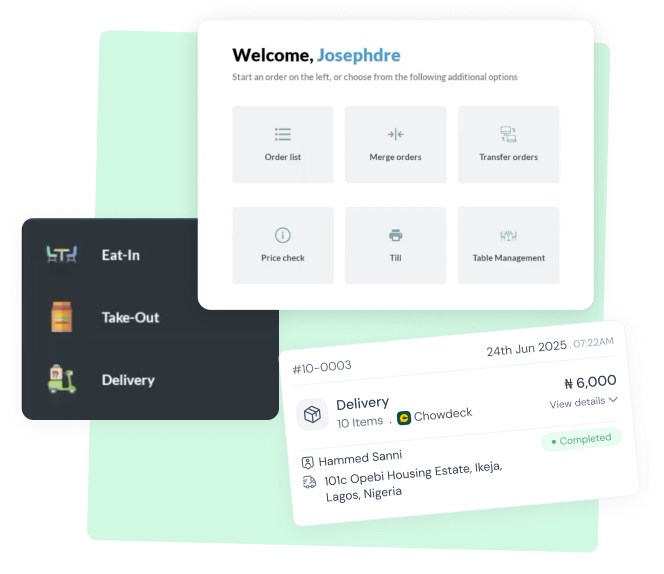
Qbicles Retail POS welcome screen with an order list and a completed delivery order card
Sell online

Bring online orders into the same system as your store

Connect online ordering to your operations, so orders do not sit in a separate tool away from your POS, stock, delivery, and reporting.
  • Receive online orders
  • Send orders into fulfillment
  • Connect orders to stock
  • Track payment status
  • Manage pickup or delivery
Online ordering dashboard shown in a desktop browser window
Manage orders

One place to manage every order

Whether an order comes from the POS, online ordering, Buddy, or delivery, Qbicles Retail helps your team see what needs to be prepared, fulfilled, dispatched, completed, or cancelled.
  • Central order queue
  • Order status tracking
  • Pickup, delivery, and in-store order handling
  • Preparation or fulfillment status
  • Order history and connected reporting
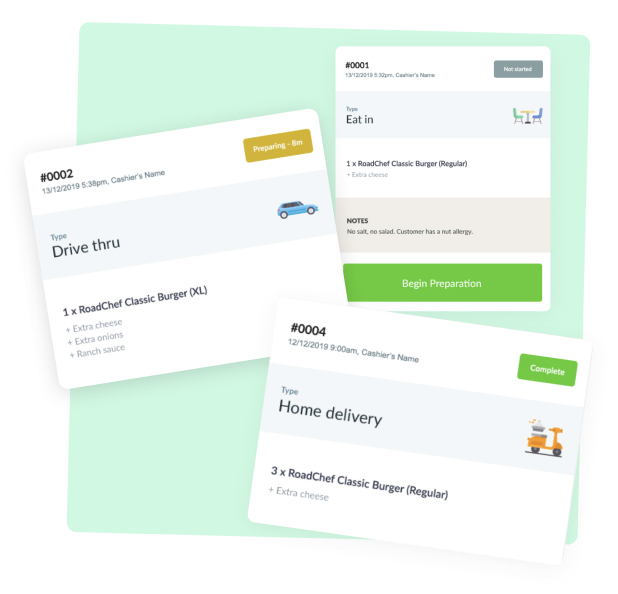
Stacked screenshots of the Qbicles Retail order management queue
Prepare

Send orders straight to the team preparing them

For restaurants, cafés, food businesses, and fulfillment-heavy operations, Qbicles Retail can help teams move orders from sale to preparation without paper confusion.

  • Live order display
  • Preparation queue
  • Order status updates
  • Cleaner handoff between cashier and kitchen or fulfillment team
  • Reduced missed orders and faster service flow
Kitchen display preparation screen in a desktop window
Deliver

Power delivery without losing control of orders, stock, or money

Qbicles Retail connects delivery activity to the same system that manages your POS, online orders, inventory, and payments.
  • Delivery order tracking
  • Dispatch workflow
  • Delivery status updates
  • Payment and collection tracking
  • Connected delivery reporting
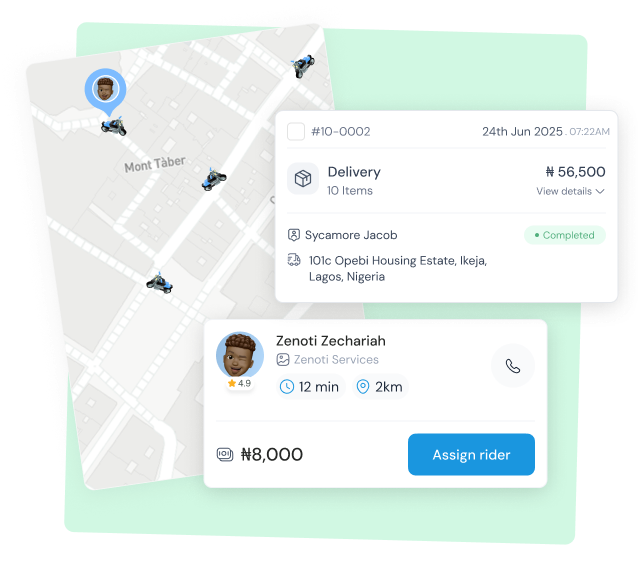
Live delivery map showing riders and a dispatched order
Driver app

Give drivers the tools they need to complete deliveries

The Driver App makes Qbicles Retail operationally serious: the platform does not just take the order, it helps you fulfill and deliver it.
  • Assigned delivery orders
  • Driver order list
  • Delivery status updates
  • Pickup and completion flow
  • Delivery history connected back to order management
Qbicles Retail order screen used by drivers to manage deliveries
Control stock

Inventory connected to every sale

Qbicles Retail keeps stock connected to POS sales, online orders, fulfillment, delivery, and reporting, so your team has a clearer picture of what moved and what is left.

  • Stock updates from POS sales
  • Stock impact from online orders
  • Stock visibility during fulfillment
  • Low-stock awareness
  • Product movement context

Need deeper inventory control?

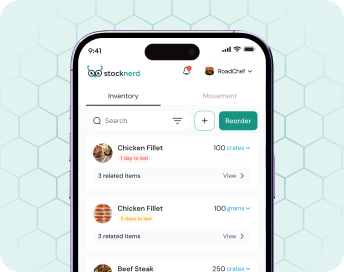
Stocknerd is the dedicated inventory product in the Qbicles ecosystem.
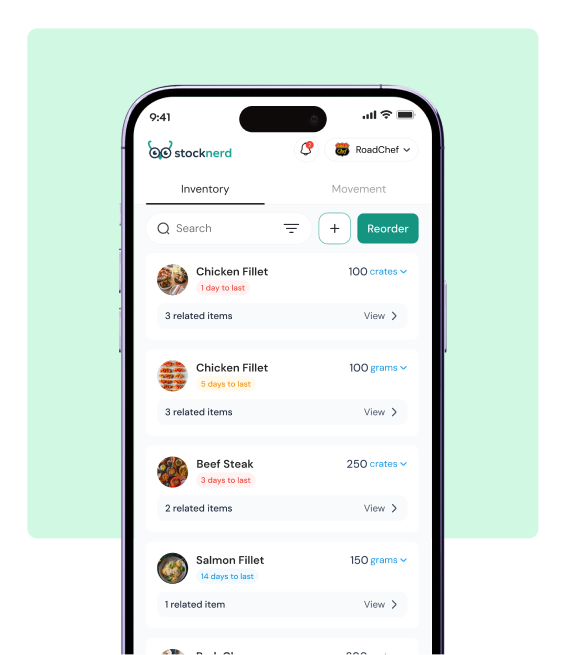
Stocknerd inventory list shown on a phone
Trust the money

Stop guessing where the money went

Every sale should connect to the money it created. Qbicles Retail helps you compare what was sold, what was collected, and what reached the bank.

  • Expected cash
  • Payment method breakdowns
  • Cash, card, transfer, online, and delivery payment tracking
  • End-of-day reports
  • Sales-to-payment visibility

Need deeper bank matching?

Bankmate is the money and reconciliation product in the Qbicles ecosystem. Retail records the sale; Bankmate helps prove the money arrived.
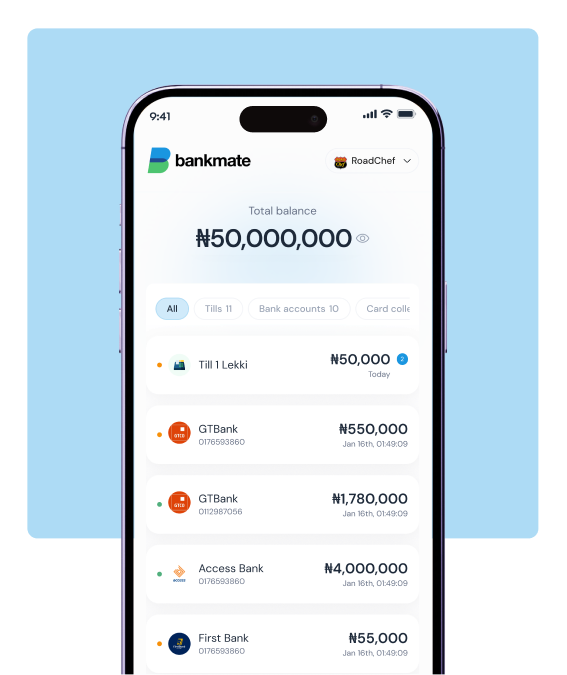
Bankmate account balances and payment breakdown shown on a phone

Ecosystem Bridges

Ecosystem products when the problem gets deeper

Stocknerd

Retail keeps inventory connected. Stocknerd gives deeper stock control, movement history, low-stock alerts, and replenishment visibility.

Learn more

Bankmate

Retail records the sale and payment context. Bankmate helps match sales, cash, payments, and bank records.

Learn more

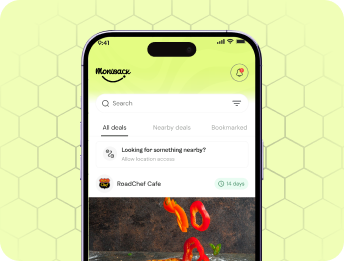
Moniback

Retail captures customer transactions. Moniback turns those transactions into loyalty, cashback, deals, and repeat visits.

Learn more

Start with POS. Connect the tools you need

Use Qbicles Retail to sell, manage orders, prepare items, power delivery, track stock, connect to Stocknerd, reconcile with Bankmate, and grow repeat customers with Moniback.

Book a Demo